
Smart Home
Smart Home & Automation Options for Florida Homes
Explore smart lighting, climate control, security, and connected-home options designed around your home, equipment needs, and lifestyle.
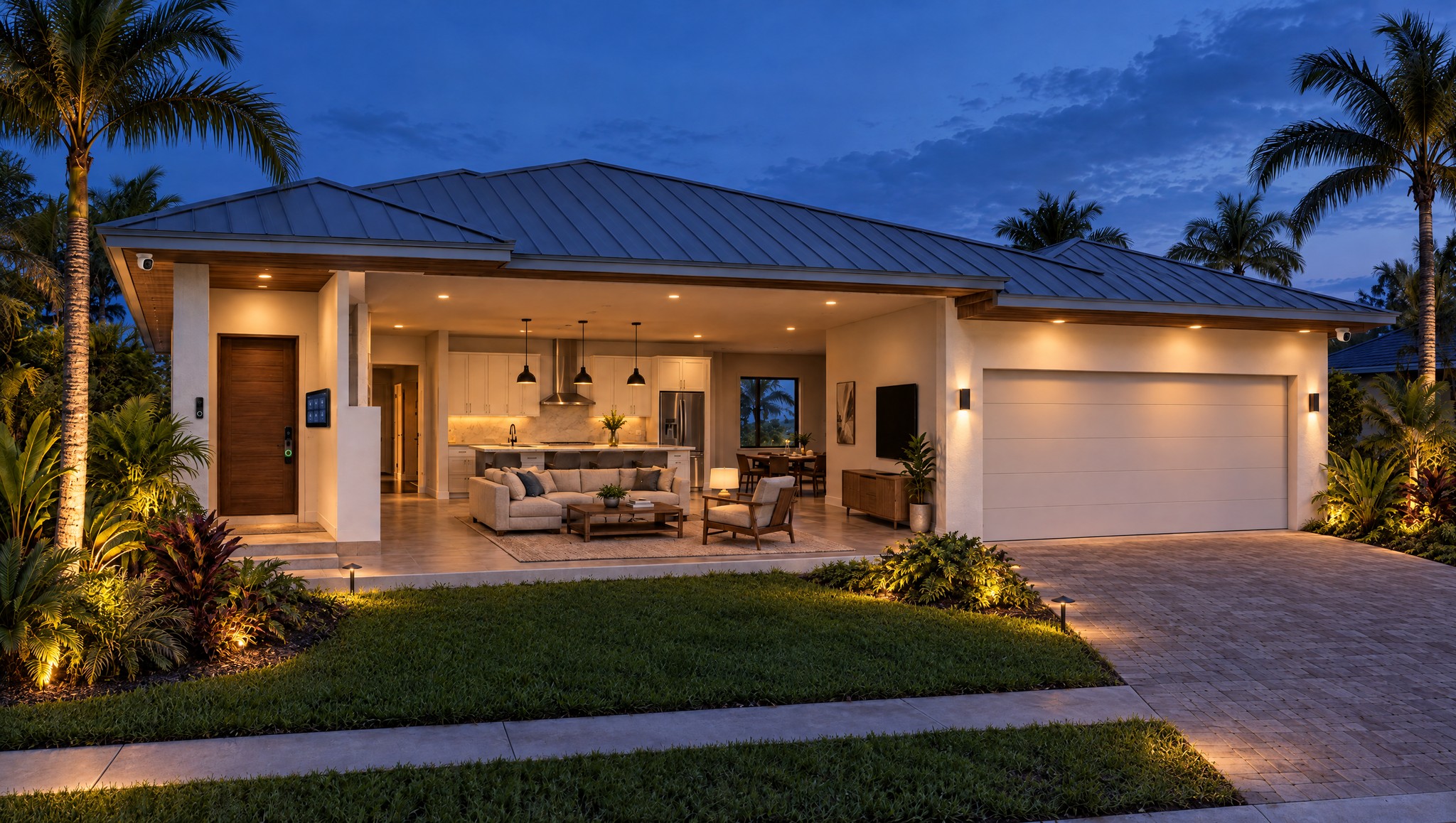
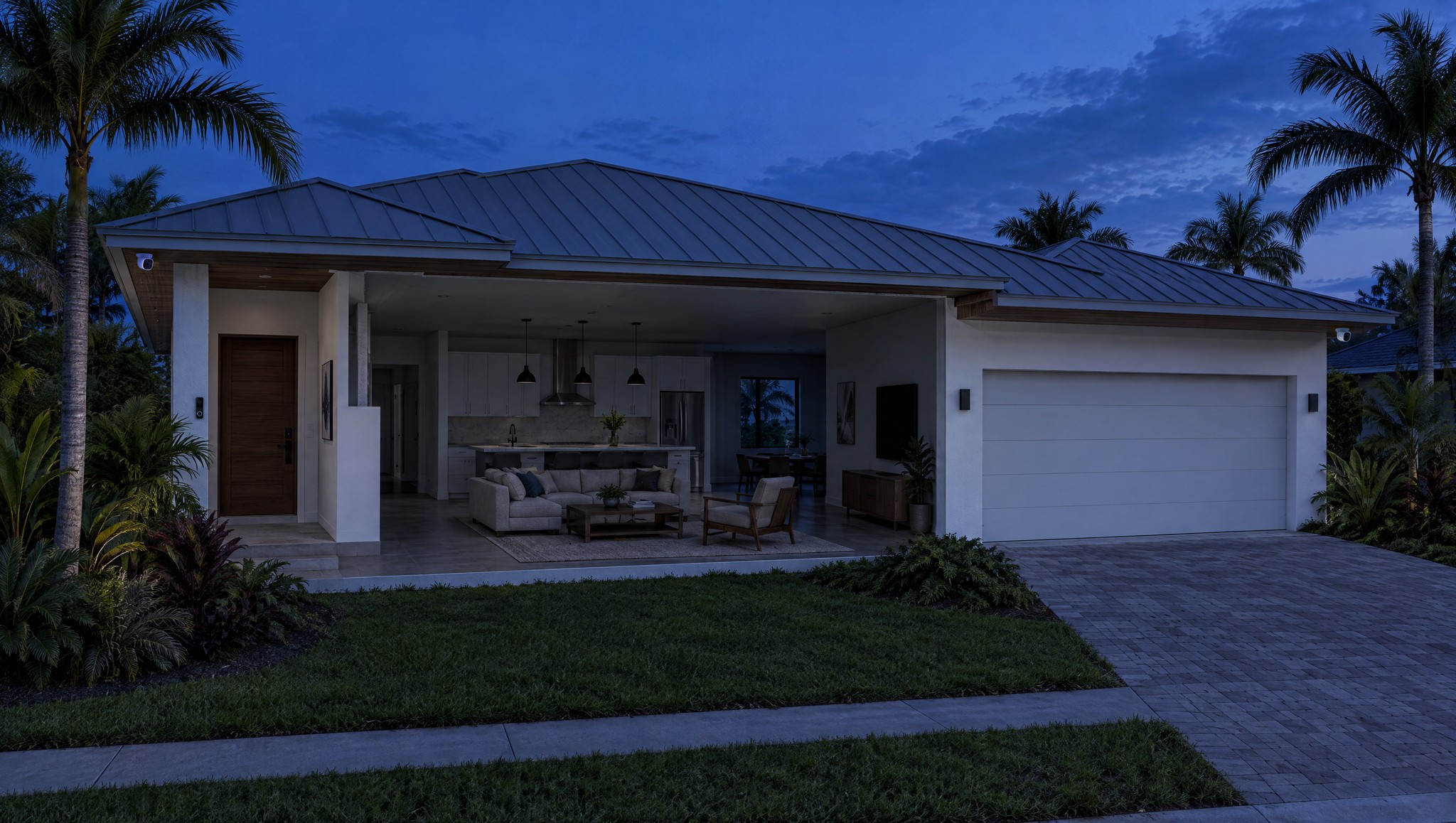
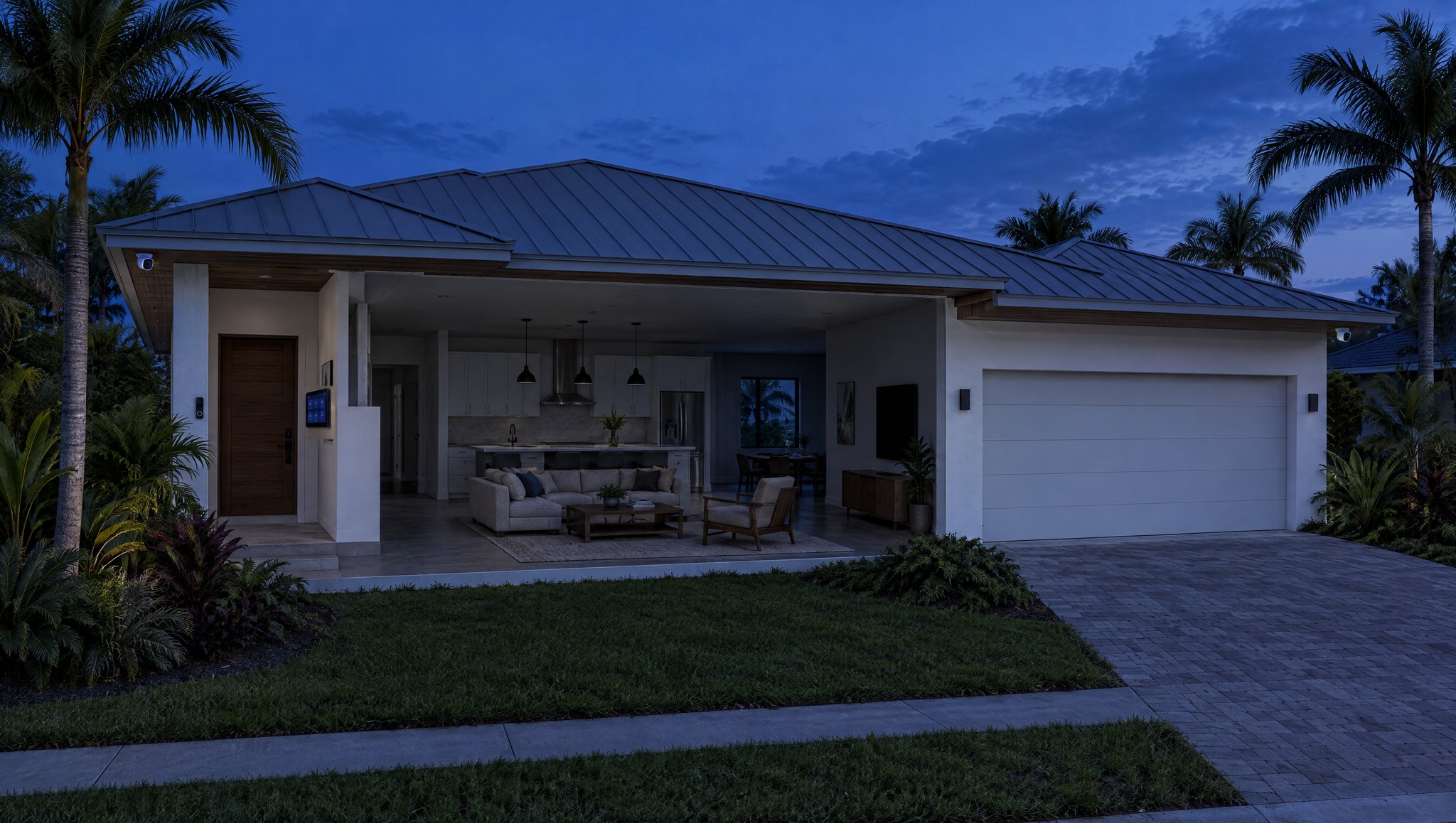
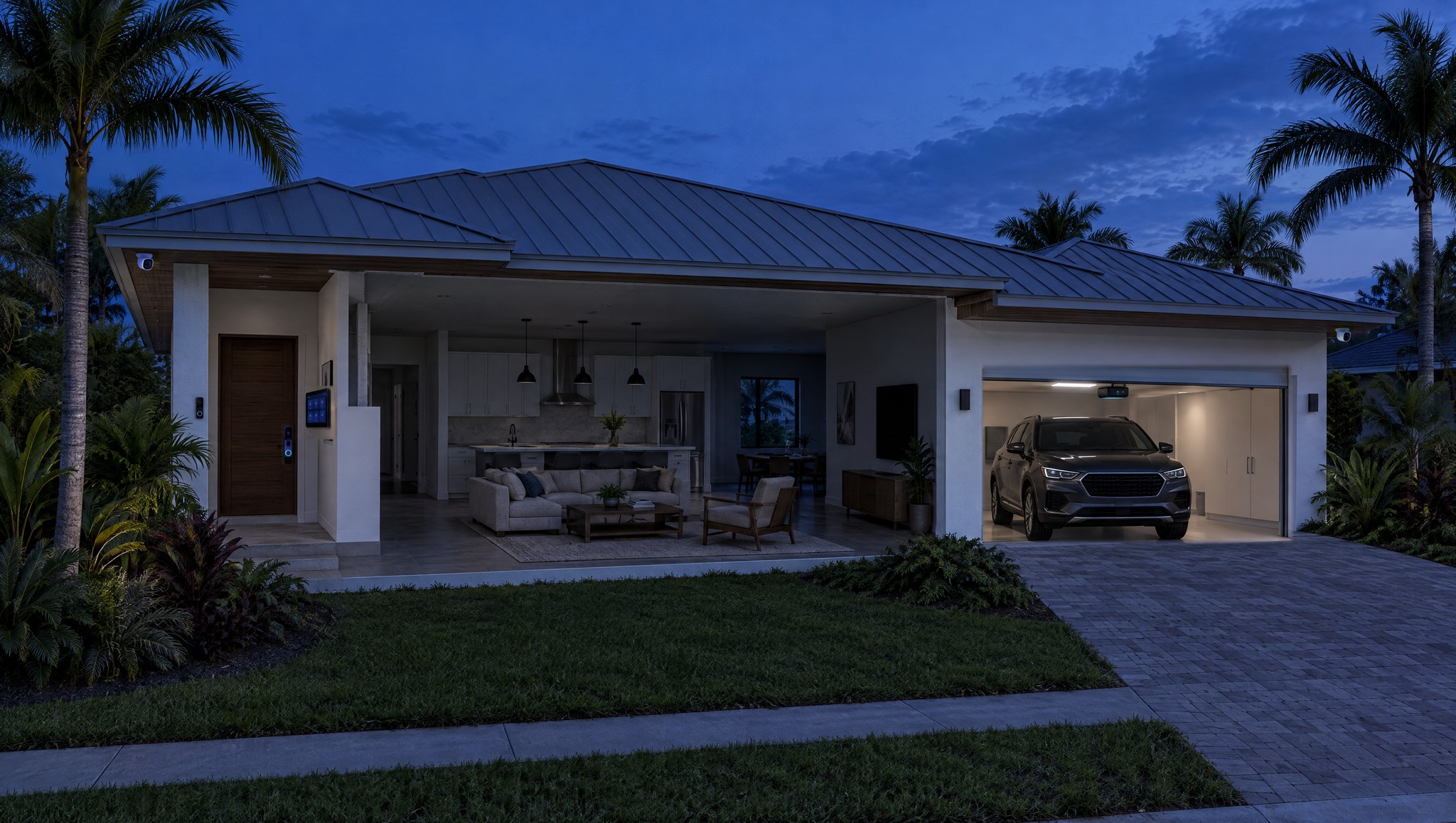
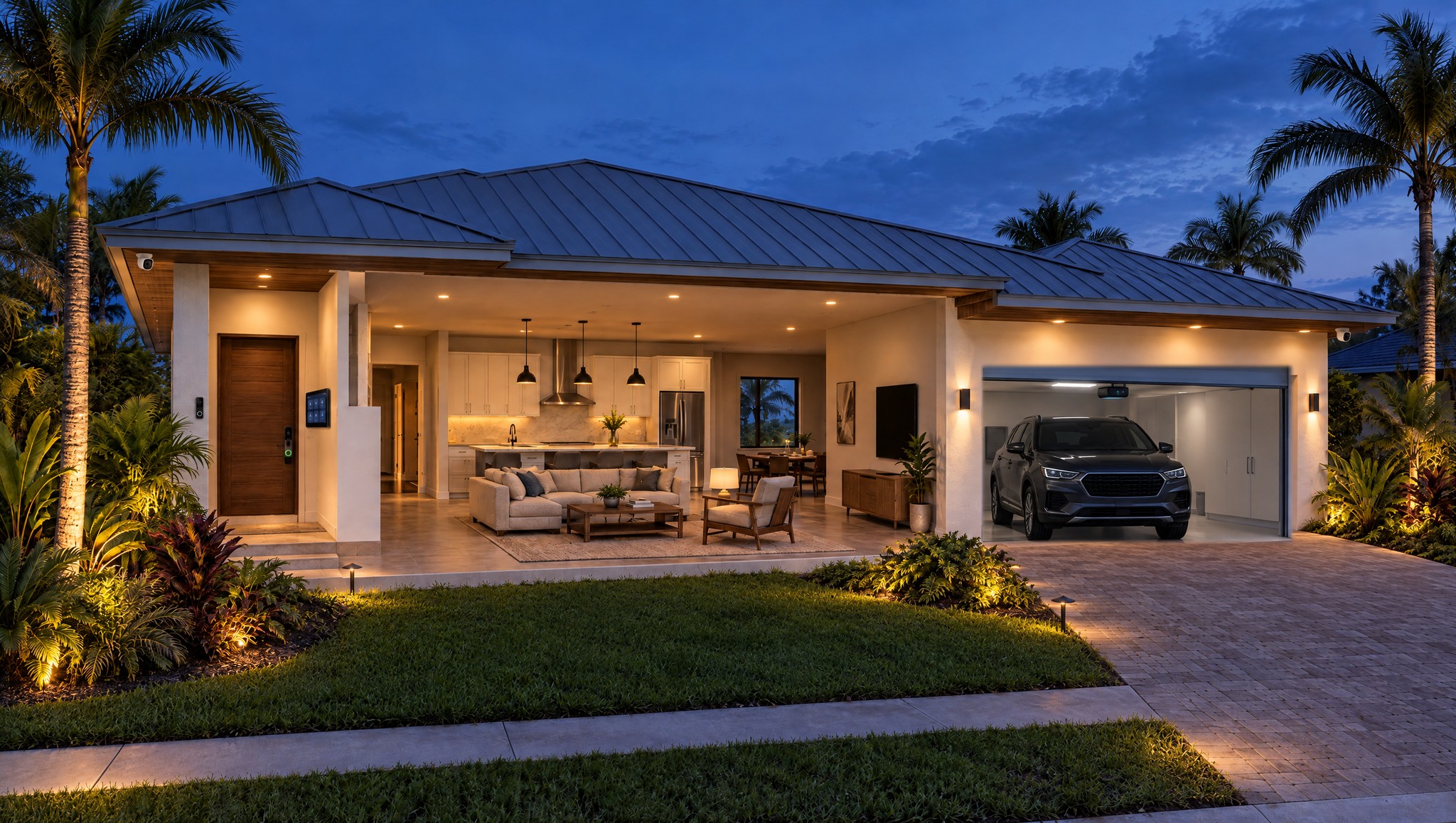
Illustration of one home. Equipment, features, alerts and app access vary by device, home setup, internet and Wi-Fi connection, subscriptions and provider terms, and are set out in the written proposal.
The short version
What Is a Smart Home & Automation?
Smart home and automation systems can connect compatible devices such as lighting, thermostats, cameras, locks, sensors, and other equipment through apps or approved controls. Smart home upgrades may help homeowners improve convenience, comfort, and visibility across selected home systems. Availability, compatibility, features, alerts, app access, and performance depend on the equipment selected, home setup, internet/Wi-Fi connection, subscriptions, provider terms, and written proposal.
What can be reviewed
Smart home options can be reviewed as part of a broader home upgrade plan, including thermostats, lighting, security devices, cameras, locks, sensors, and compatible automation features.
- 01Thermostats and climate controls
- 02Lighting and automation scenes
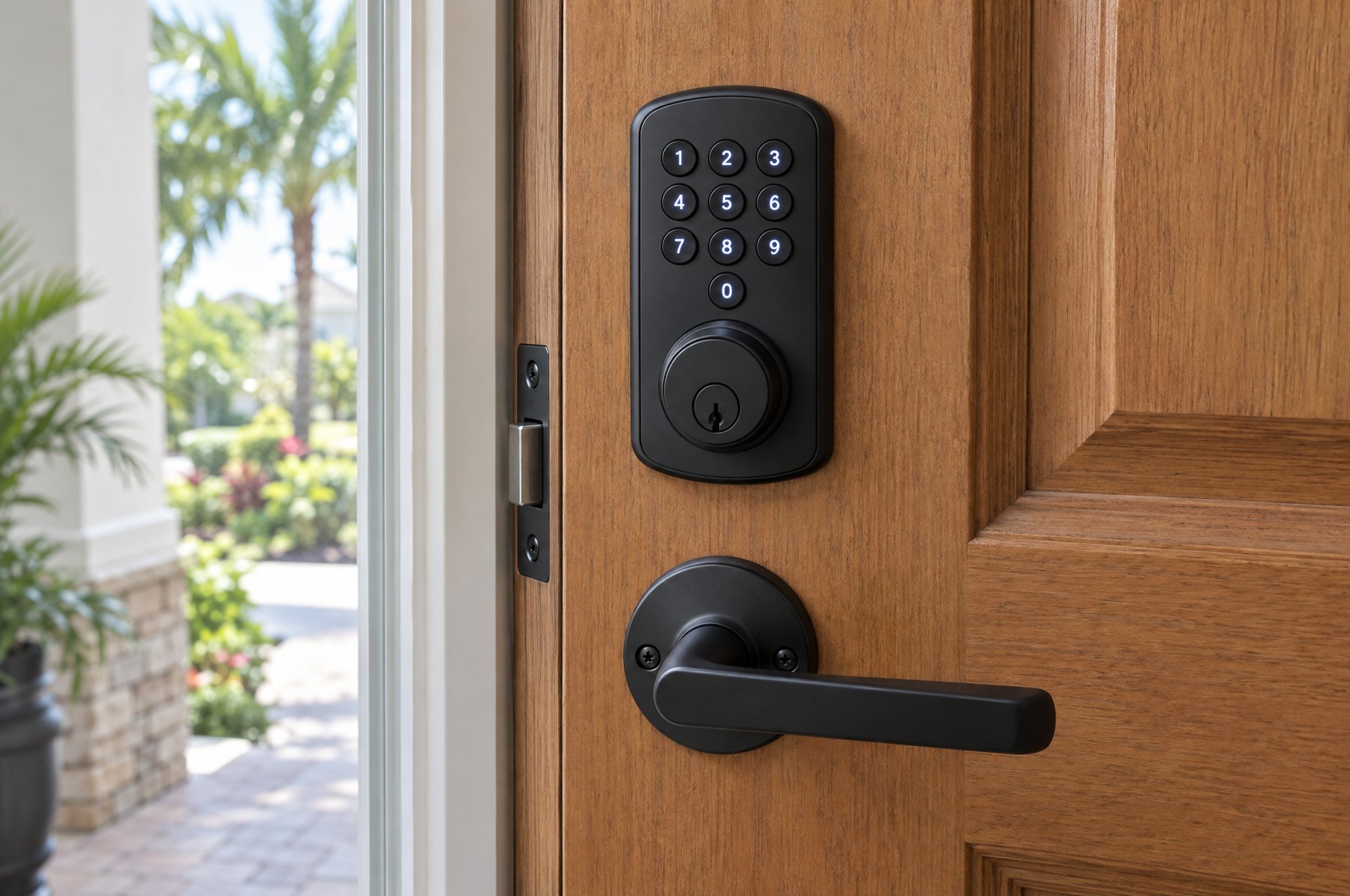
- 03Cameras, locks, and sensors
- 04App access and compatibility requirements
- 05Nova Structa helps homeowners review available options and coordinate project next steps. Actual features, alerts, app controls, subscriptions, compatibility, and performance vary by device, home setup, internet/Wi-Fi connection, and provider terms.
A day in a connected home
Pick a Moment
Cameras, command center, door and garage, and lighting are four parts. Automation is what happens when they act together. Tap a moment.
- Door and garageFront door locks and the garage door closes behind you
- LightingInterior lights switch off
- CamerasOutdoor cameras arm and send alerts to your phone
- Command centerPanel shows the house as Away
Example scenes. What a scene can do depends on the devices, platform, compatibility, internet and Wi-Fi connection, power, and setup in your home. Cameras and remote access need power and internet; a battery backup and a backed-up router can help during an outage.
How It Works
Smart Home Review, Step by Step
- 01
Step 1
Smart Home Review
We review your home layout, existing devices, internet/Wi-Fi setup, and smart home goals.
- 02
Step 2
Equipment & Compatibility Review
Available equipment options are reviewed based on compatibility, features, provider requirements, and your project goals.
- 03
Step 3
Installation or Configuration
Installation and configuration are completed according to the written project scope. Any regulated installation work is performed by independent qualified provider(s) or contractor(s), where required.
- 04
Step 4
App Setup & User Guidance
If applicable, customers may receive guidance on app access, device settings, and basic use. Features vary by product and provider.
- 05
Step 5
Support & Future Options
Support, updates, subscriptions, maintenance, and future add-ons depend on the equipment selected and provider terms.
Your home
- 01
Step 1
Smart Home Review
We review your home layout, existing devices, internet/Wi-Fi setup, and smart home goals.
- 02
Step 2
Equipment & Compatibility Review
Available equipment options are reviewed based on compatibility, features, provider requirements, and your project goals.
- 03
Step 3
Installation or Configuration
Installation and configuration are completed according to the written project scope. Any regulated installation work is performed by independent qualified provider(s) or contractor(s), where required.
- 04
Step 4
App Setup & User Guidance
If applicable, customers may receive guidance on app access, device settings, and basic use. Features vary by product and provider.
- 05
Step 5
Support & Future Options
Support, updates, subscriptions, maintenance, and future add-ons depend on the equipment selected and provider terms.
Connected
Features & Benefits
Why Nova Structa
Smart Home Project Coordination
Nova Structa helps homeowners review smart home options and coordinate next steps with qualified providers where applicable.
Smart Home Setup Support
Project details, equipment, installation, configuration, support, and subscriptions are governed by the written proposal and provider terms.
Qualified Providers
Any installation or configuration requiring licensed or regulated work is performed by independent qualified provider(s) or contractor(s), where required.
Technology Options
Equipment may include products from recognized manufacturers. Final equipment, app access, features, compatibility, subscriptions, and warranties are identified in the written project documents.
Smart Home Examples & Project Visuals
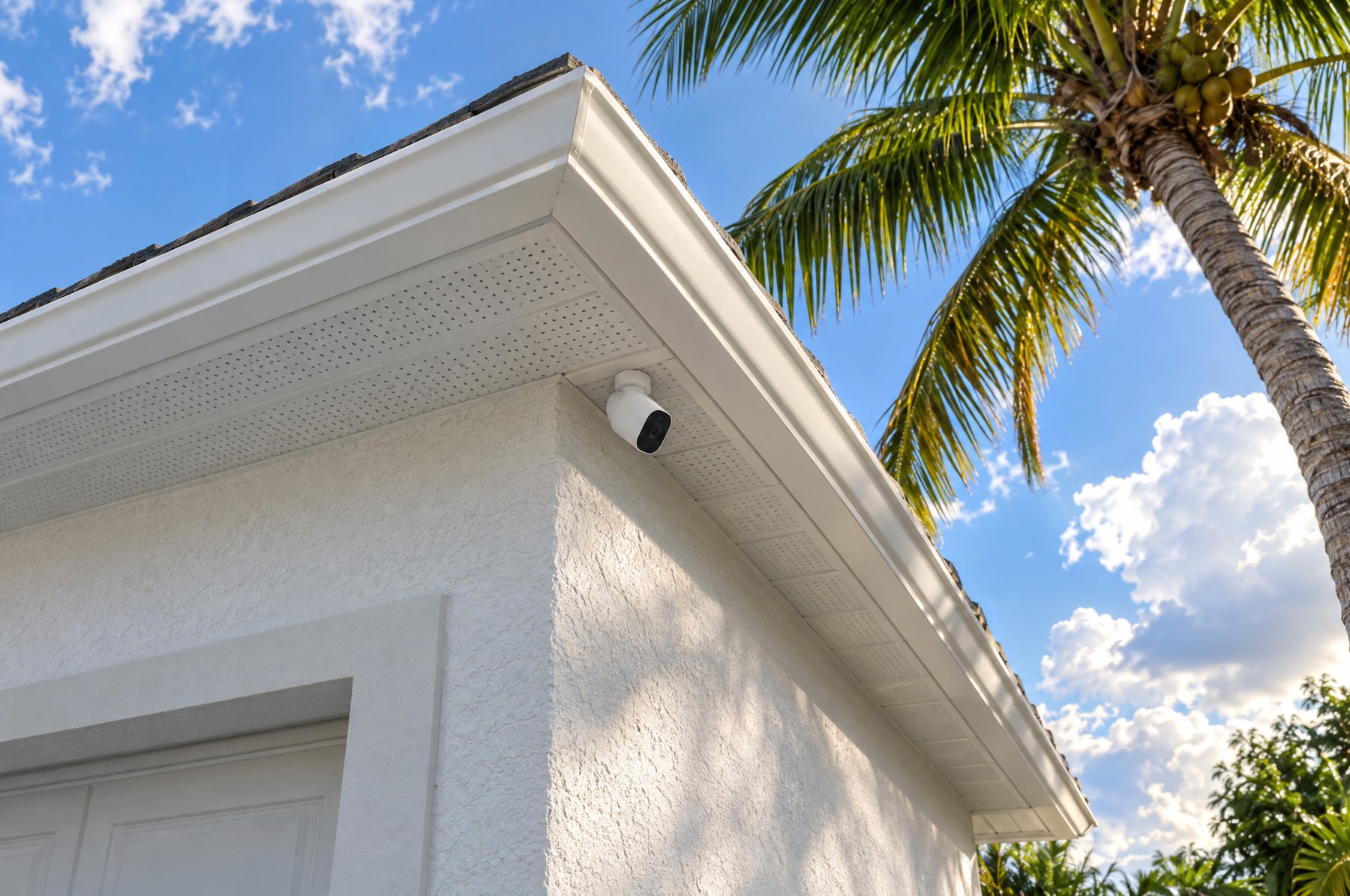
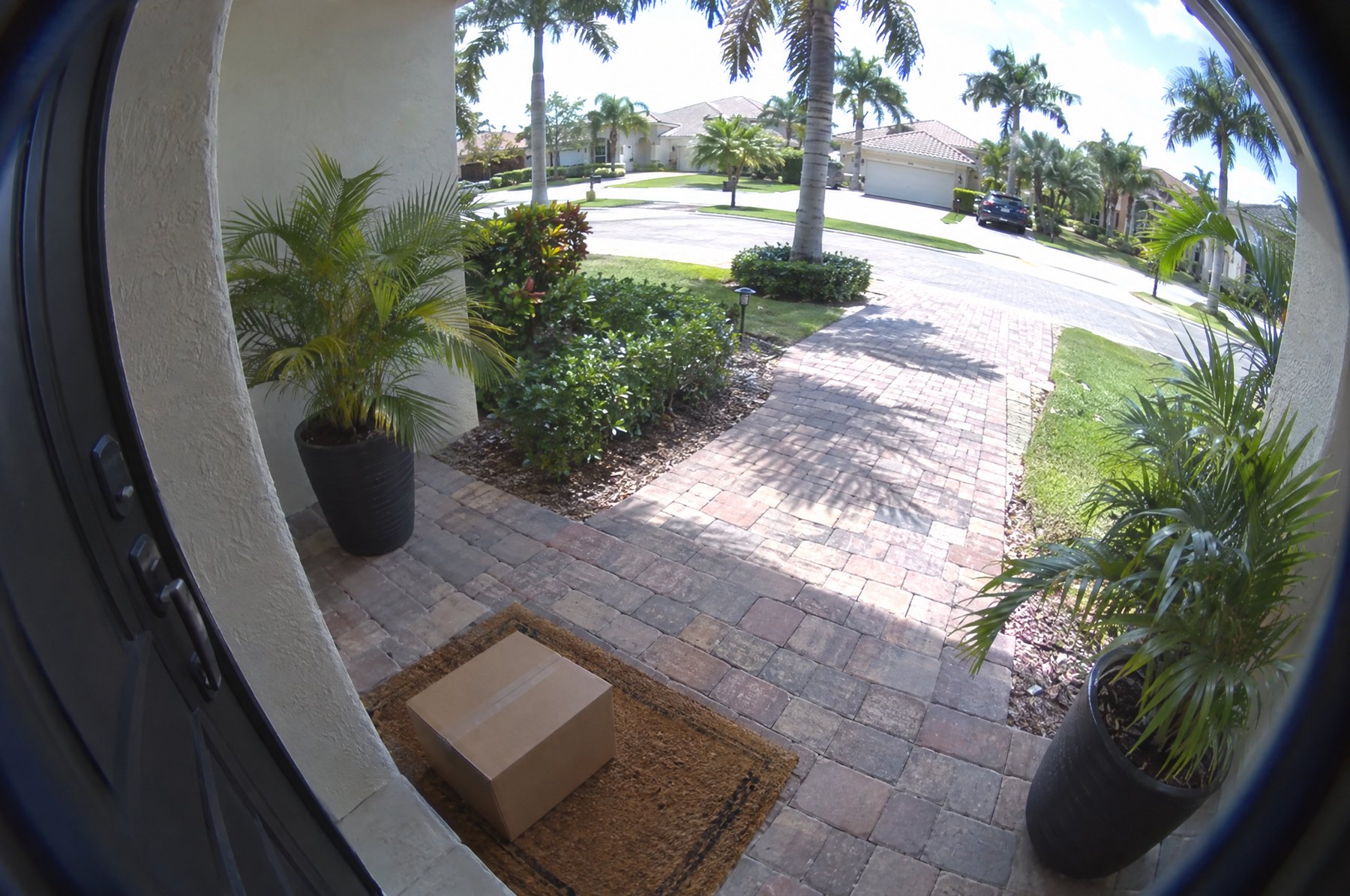
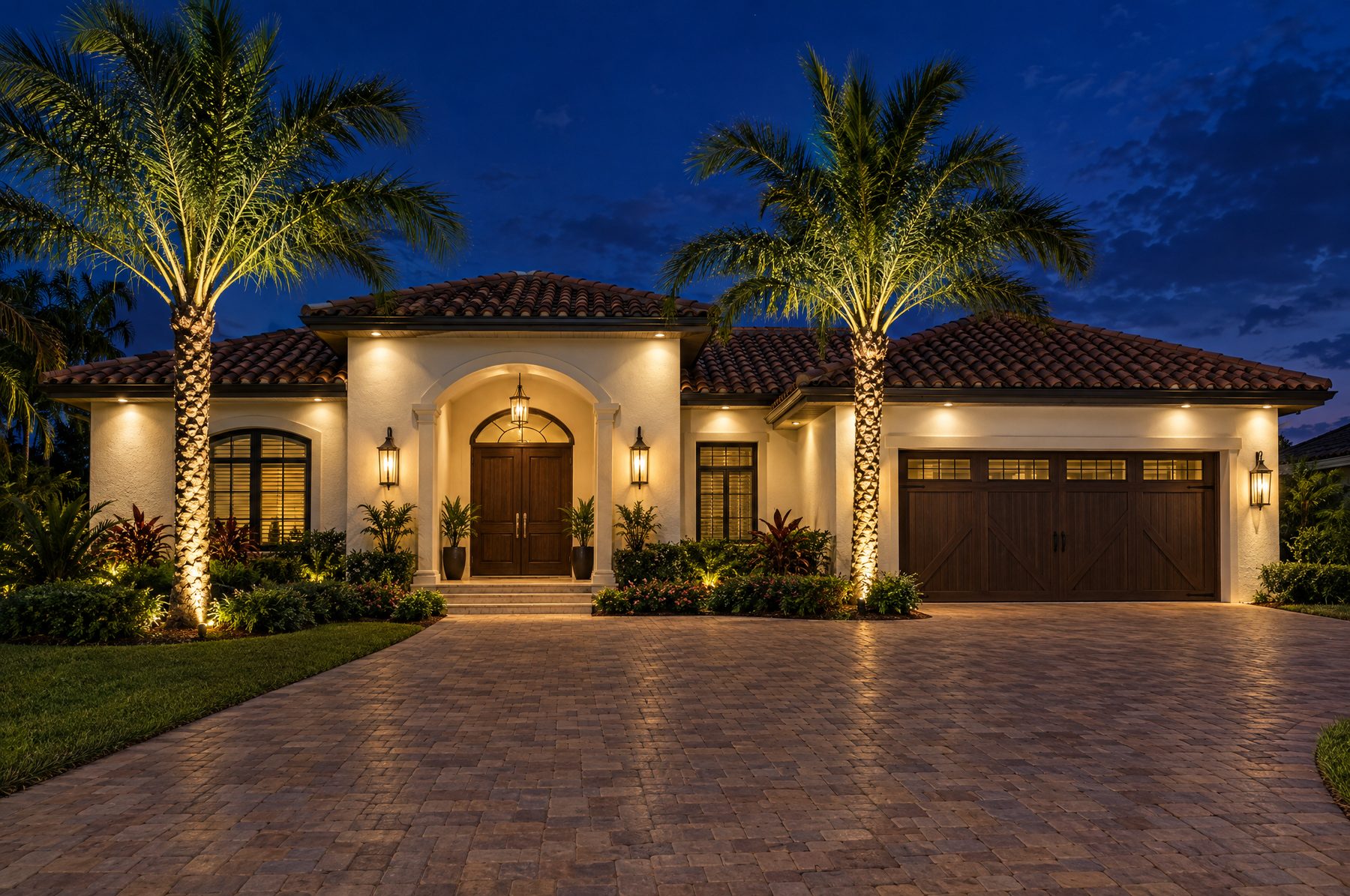
Review example visuals showing smart-home upgrade concepts. Actual equipment, configuration, features, app access, alerts, and results vary by project.
 Cameras
 Doorbell
 Lighting
Photos are illustrations.
Frequently Asked Questions
- Will I need to rewire my whole home?
- It depends on the equipment selected and your current home setup. Some devices may work with existing wiring or Wi-Fi, while other projects may require additional installation or configuration.
- Will smart home systems be hard to use?
- Ease of use depends on the equipment, app, setup, and customer preferences. If applicable, customers may receive basic guidance on app access and device settings.
- Are smart home automation systems secure?
- Security depends on the device, network, passwords, manufacturer updates, settings, and user practices. No connected system can be guaranteed to be completely secure.
- Can I start small and expand later?
- Many smart home systems may allow future add-ons, but compatibility depends on the devices, platform, provider, home setup, and project scope.
- Will smart home upgrades increase my home value?
- Home value impact is not guaranteed and depends on market conditions, buyer preferences, equipment, installation quality, and the overall property.
- Do I need high-speed internet?
- A stable internet and Wi-Fi connection may be required for many smart home devices, apps, alerts, and remote features. Requirements vary by product and provider.
The Nova Structa Resource Hub
Know What You Are Connecting.
Sourced guides on Florida home care, upgrades and energy.
All guidesNew · Smart HomesHow Smart Homes Improve Security Without Expensive Monitoring Contracts (Florida, 2026)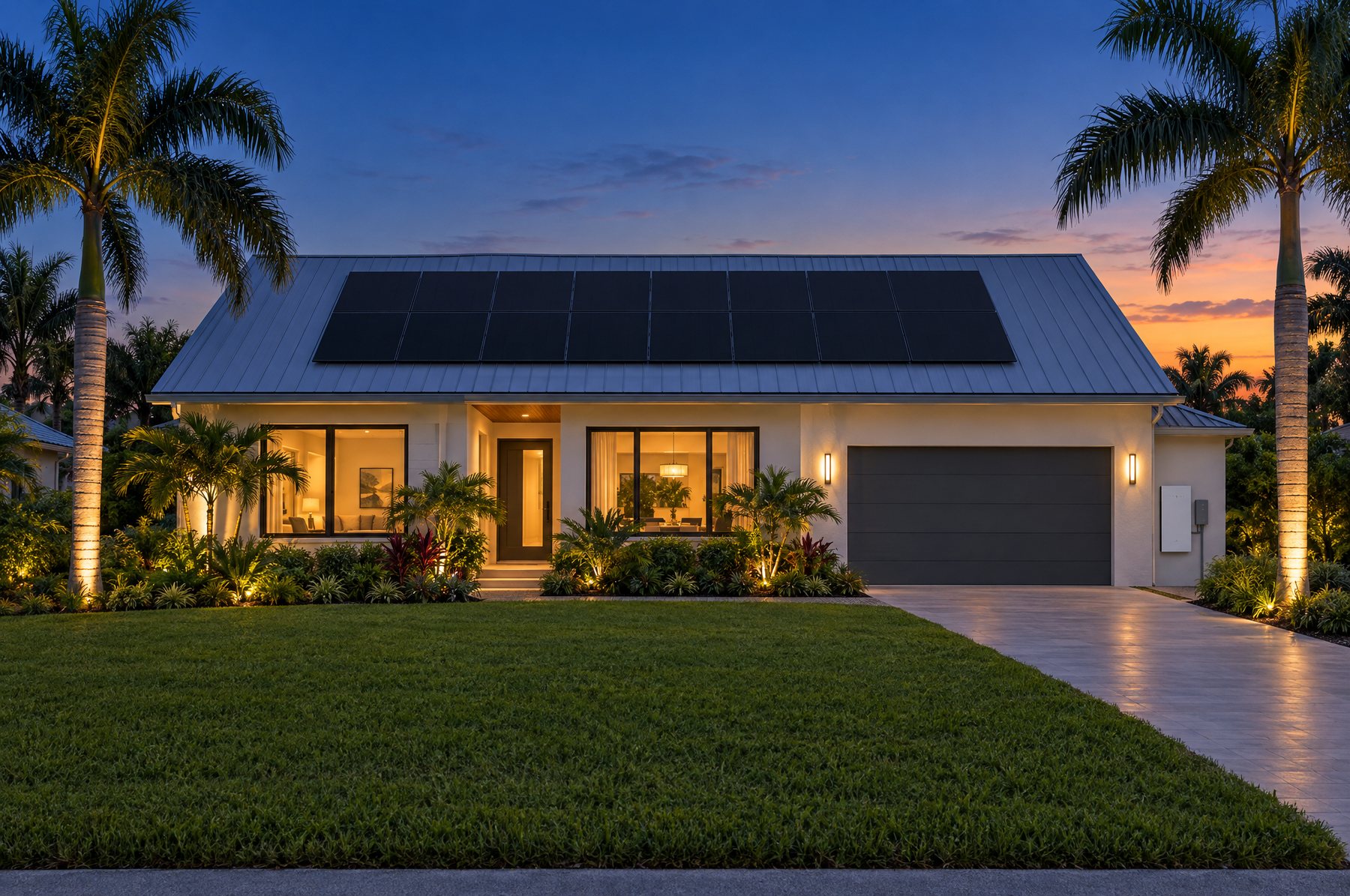 Tesla Roof & PowerwallsPowering Your Home Day and Night: How Solar, Powerwall 3 and the Tesla App Work Together in Florida (2026)
 General7 Upgrades That Add Value to a Florida Home in 2026 (and What the Data Says)
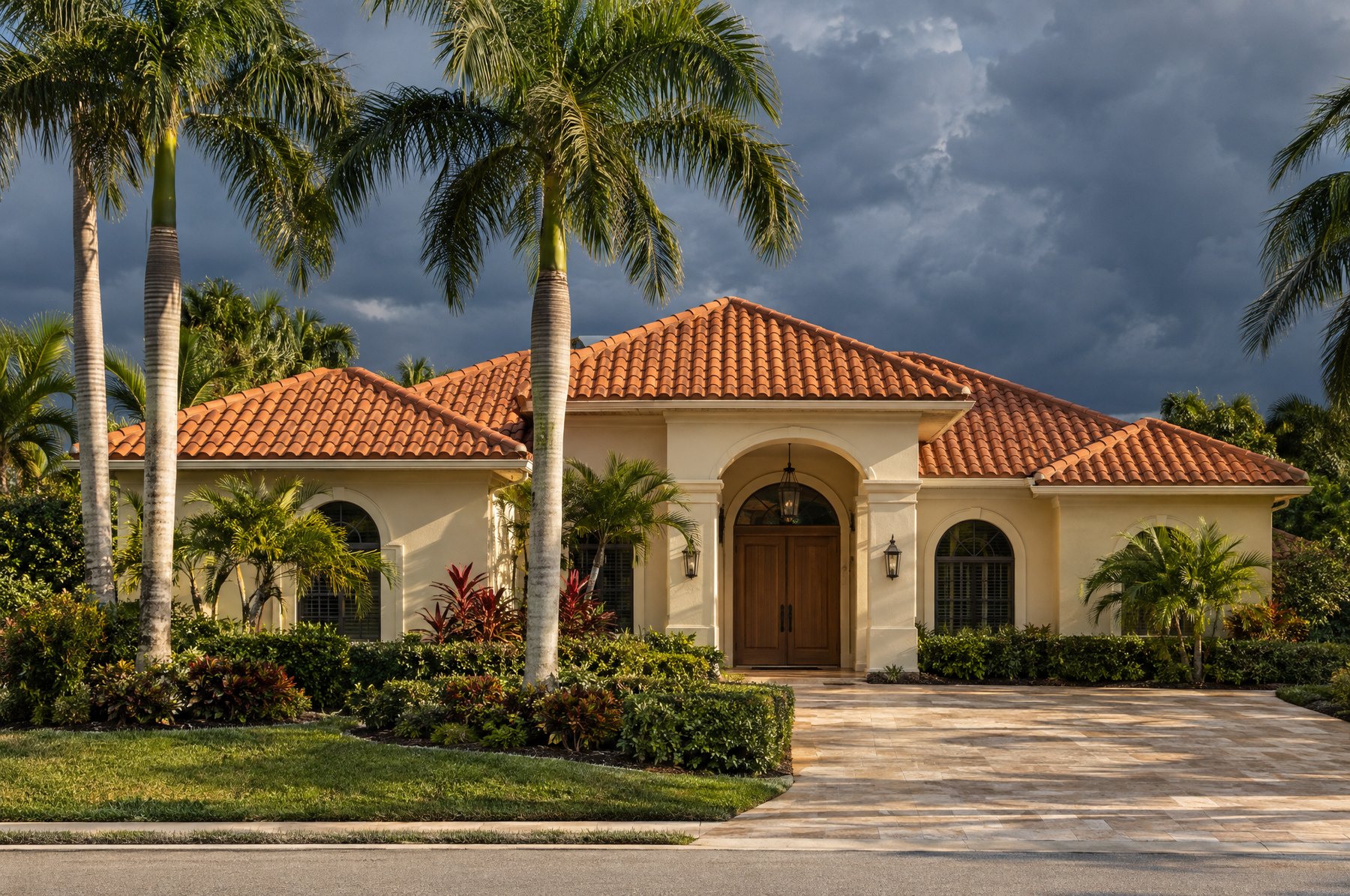 GeneralFlorida Homeowner Checklist 2026: What to Inspect Every Season (Built Around Hurricane Season)
Ready to Review Smart Home Options?
Get a free consultation to explore connected-home upgrades, equipment options, installation requirements, and available project next steps.